
Exterior · Homeful for iPhone
Preview changes to your home exterior
Use a photo of your house to compare a different facade, roof, windows or garden. Explore additions such as a terrace or pergola as visual ideas before discussing feasibility.
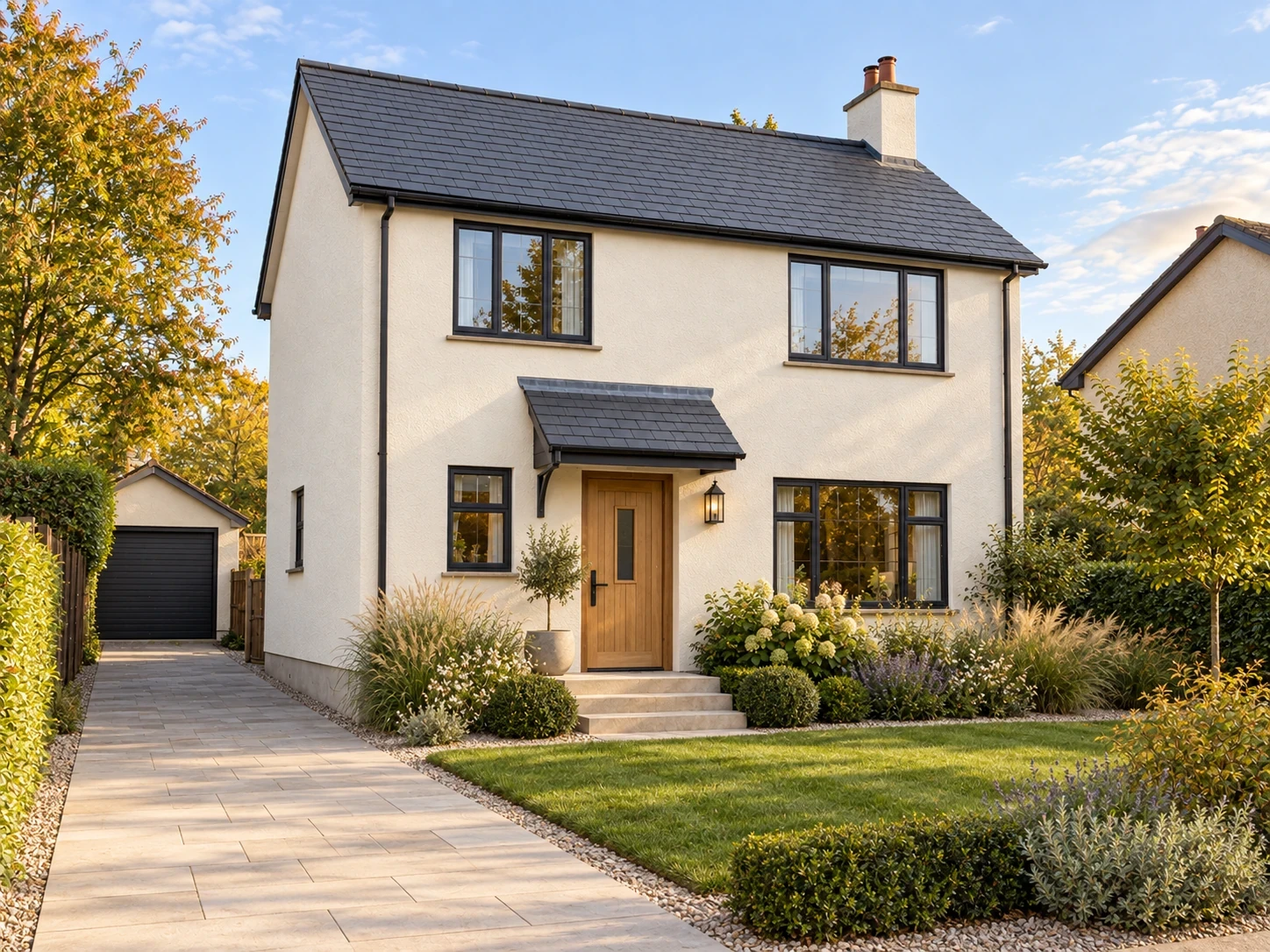

When to use Exterior
- Compare facade colors with the roof and window frames.
- Explore a planting direction alongside the house finishes.
- Communicate an addition idea to your designer or contractor.
How it works
- Take a clear exterior photo showing the area to change.
- Choose Exterior and specify the finishes, garden changes or additions.
- Compare the result and discuss the shortlist with the relevant professional.
What to check before making changes
The visualization does not assess structure, drainage, planning permission or cost. Additions may be impractical at the shown size or location. Check feasibility and materials before arranging work.
Availability and subscriptions
Download Homeful free on iPhone with iOS 16.4 or later. A new account can create one locked personalized preview; a subscription unlocks the full result. Eligible subscribers can try Weekly free for 3 days, with up to 5 additional designs during the trial.
This feature is available with Weekly, Monthly and Yearly. Paid allowances are 15 designs per week on Weekly, 50 per month on Monthly, and 60 per month on Yearly. Each new result or refinement uses a design. Android is coming soon.
Questions about Exterior
Can I explore a terrace or pool?
Yes. Exterior supports addition ideas, but the image does not establish that they can be built.
Is this a construction design?
No. It is a visual concept to support discussion, not drawings or a specification for a contractor.