
Styles · Homeful for iPhone
Redesign a room from a photo
Keep your real room as the starting point. Choose a style such as Japandi, Scandinavian or Boho, or use inspiration photos to explore a new look before choosing furniture and finishes.
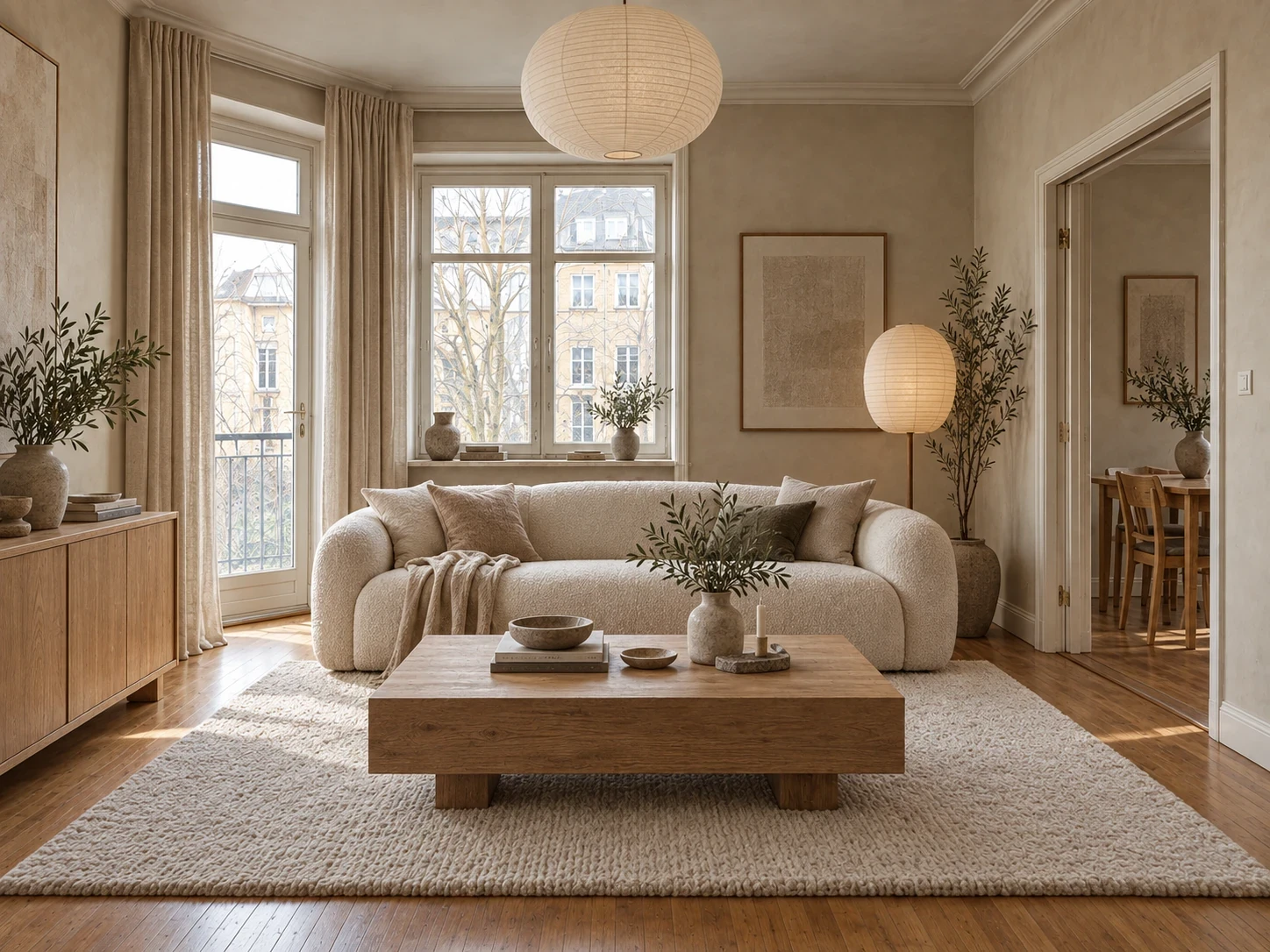
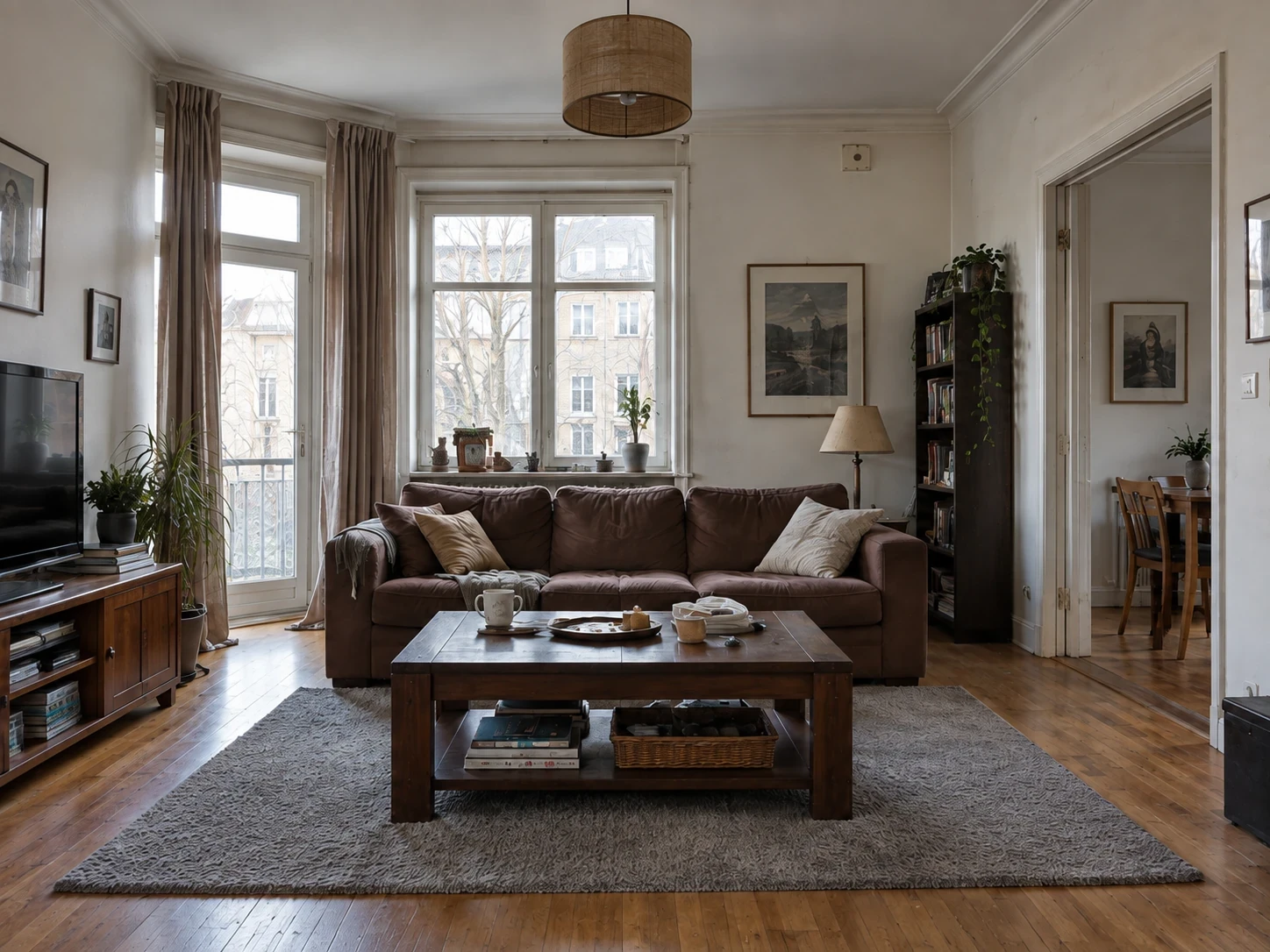
When to use Styles
- Compare a calm, minimal look with a warmer, layered scheme.
- Use inspiration photos to communicate the colors and mood you want.
- Decide which elements to keep before planning a full makeover.
How it works
- Photograph the room with its walls, windows and main furniture visible.
- Open Styles and choose a look, or add your inspiration photos.
- Compare before and after, then refine a specific detail if needed.
What to check before making changes
A whole-room redesign can reinterpret furniture and decoration. For a single replacement use Swap; for paint and flooring use Surfaces. The visualization is an idea, not an exact shopping list.
Availability and subscriptions
Download Homeful free on iPhone with iOS 16.4 or later. A new account can create one locked personalized preview; a subscription unlocks the full result. Eligible subscribers can try Weekly free for 3 days, with up to 5 additional designs during the trial.
This feature is available with Weekly, Monthly and Yearly. Paid allowances are 15 designs per week on Weekly, 50 per month on Monthly, and 60 per month on Yearly. Each new result or refinement uses a design. Android is coming soon.
Questions about Styles
Can I use my own inspiration?
Yes. Add inspiration photos to explore their look in your own space.
Will every detail stay identical?
The engine aims to preserve room geometry and perspective, but details may change. Compare the output with your original photo.