
Declutter · Homeful for iPhone
Declutter a room for virtual staging
See the room beneath the clutter. Declutter offers tidy, declutter and empty-room options, giving you a cleaner starting point before exploring a furnished look with Styles.
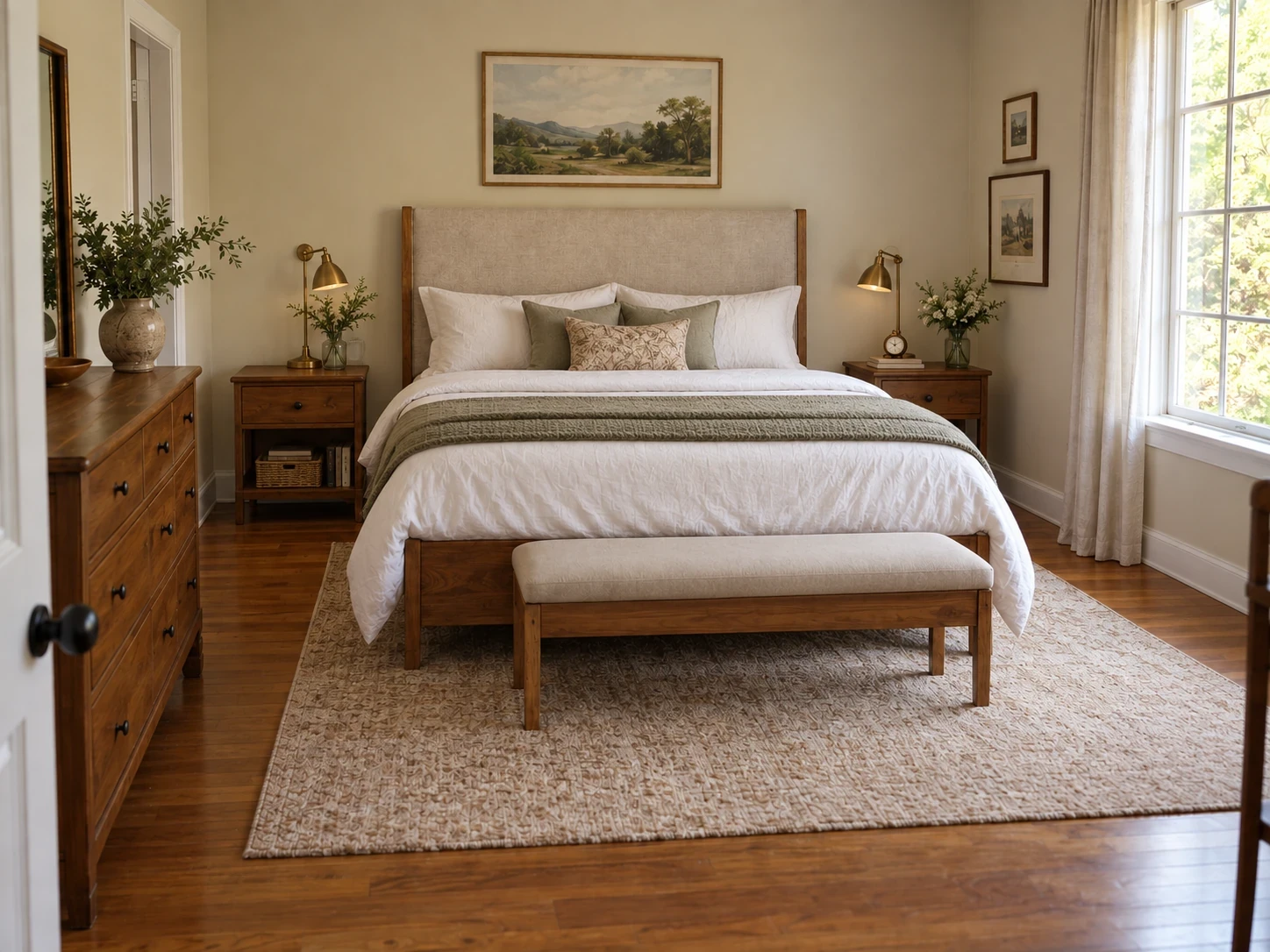
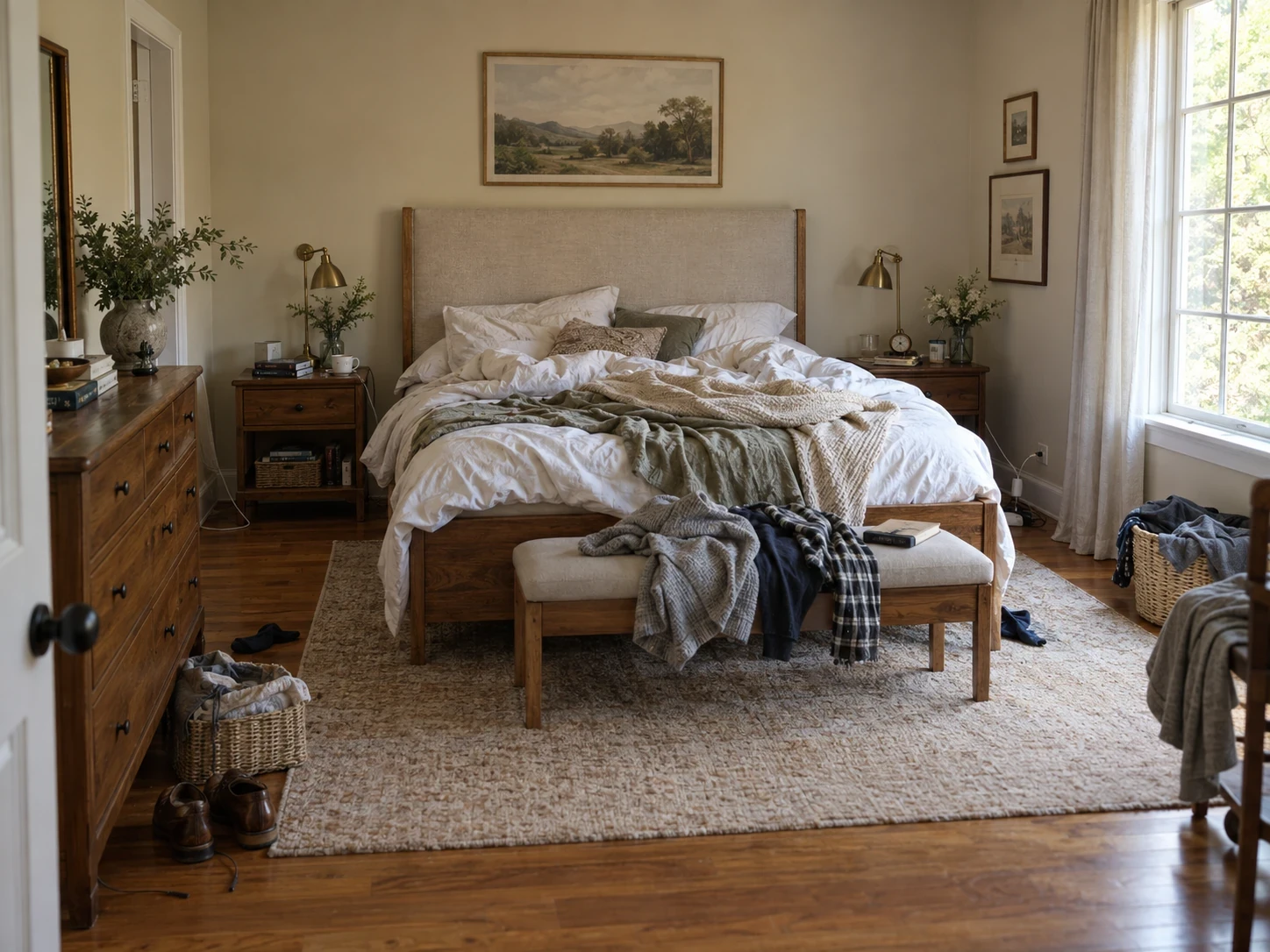
When to use Declutter
- See which decorative items distract from a room.
- Explore an empty space before selecting furniture.
- Prepare a clearly labeled visualization of a property’s potential.
How it works
- Upload the room photo and open Declutter.
- Choose Tidy, Declutter or Empty and describe anything that should stay.
- Compare the result; use Styles afterwards if you want to furnish the cleared space.
What to check before making changes
Removing objects can invent the surfaces hidden behind them. Do not present a staged image as the current condition of a property. Label edited listing images and retain accurate original photos.
Availability and subscriptions
Download Homeful free on iPhone with iOS 16.4 or later. A new account can create one locked personalized preview; a subscription unlocks the full result. Eligible subscribers can try Weekly free for 3 days, with up to 5 additional designs during the trial.
This feature is available with Weekly, Monthly and Yearly. Paid allowances are 15 designs per week on Weekly, 50 per month on Monthly, and 60 per month on Yearly. Each new result or refinement uses a design. Android is coming soon.
Questions about Declutter
Can I furnish an emptied room?
Yes. Open the emptied result in Styles for another visualization. This is a separate design and uses another generation.
Is this a customer property listing?
The example is a marketing visualization, not a customer review or a claim about a real property for sale.