
Swap · Homeful for iPhone
Visualize furniture in your room
A product photo alone cannot tell you how a sofa will look beside your curtains or floor. Swap lets you explore a replacement or addition in a photo of your own space.
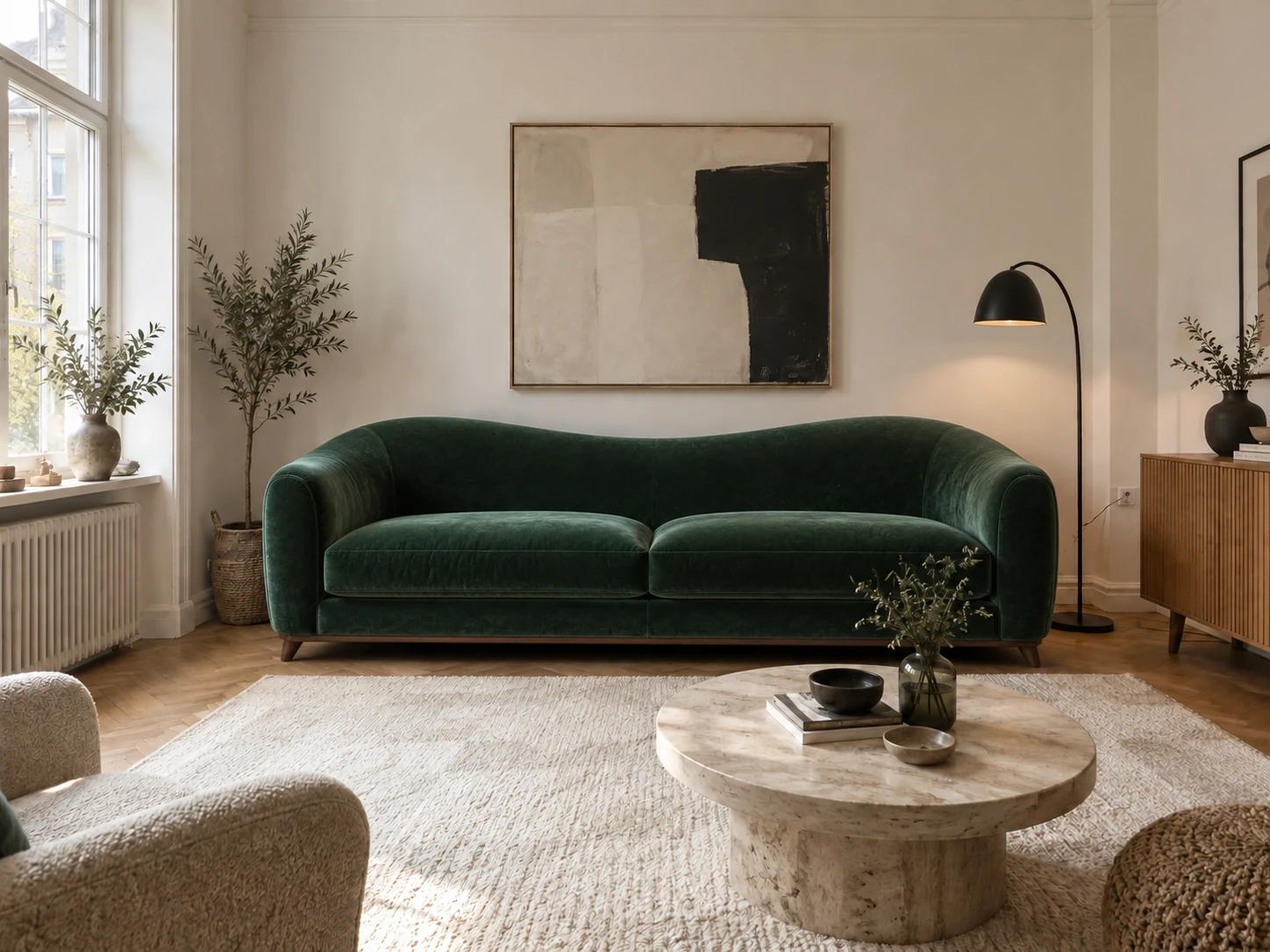

When to use Swap
- Compare a new sofa color against your existing walls.
- Try a rug or armchair without redesigning the entire room.
- Use a furniture photo plus a short note to explain the replacement.
How it works
- Choose a clear photo of the room.
- Open Swap, add a furniture reference or describe the item, and identify what should change.
- Compare the visualization with your original and measure before ordering.
What to check before making changes
This is a photo visualization, not a scale-accurate AR placement tool. Product proportions, fabric and small details may differ. Confirm dimensions, clearance and specifications with the retailer.
Availability and subscriptions
Download Homeful free on iPhone with iOS 16.4 or later. A new account can create one locked personalized preview; a subscription unlocks the full result. Eligible subscribers can try Weekly free for 3 days, with up to 5 additional designs during the trial.
This feature is available with Weekly, Monthly and Yearly. Paid allowances are 15 designs per week on Weekly, 50 per month on Monthly, and 60 per month on Yearly. Each new result or refinement uses a design. Android is coming soon.
Questions about Swap
Do I need a product photo?
You can use a reference photo or describe the item. A clear reference helps communicate its appearance.
Can this confirm a sofa will fit?
No. Measure the room, doorways and furniture independently before purchasing.