
Rearrange · Homeful for iPhone
Rearrange your room with existing furniture
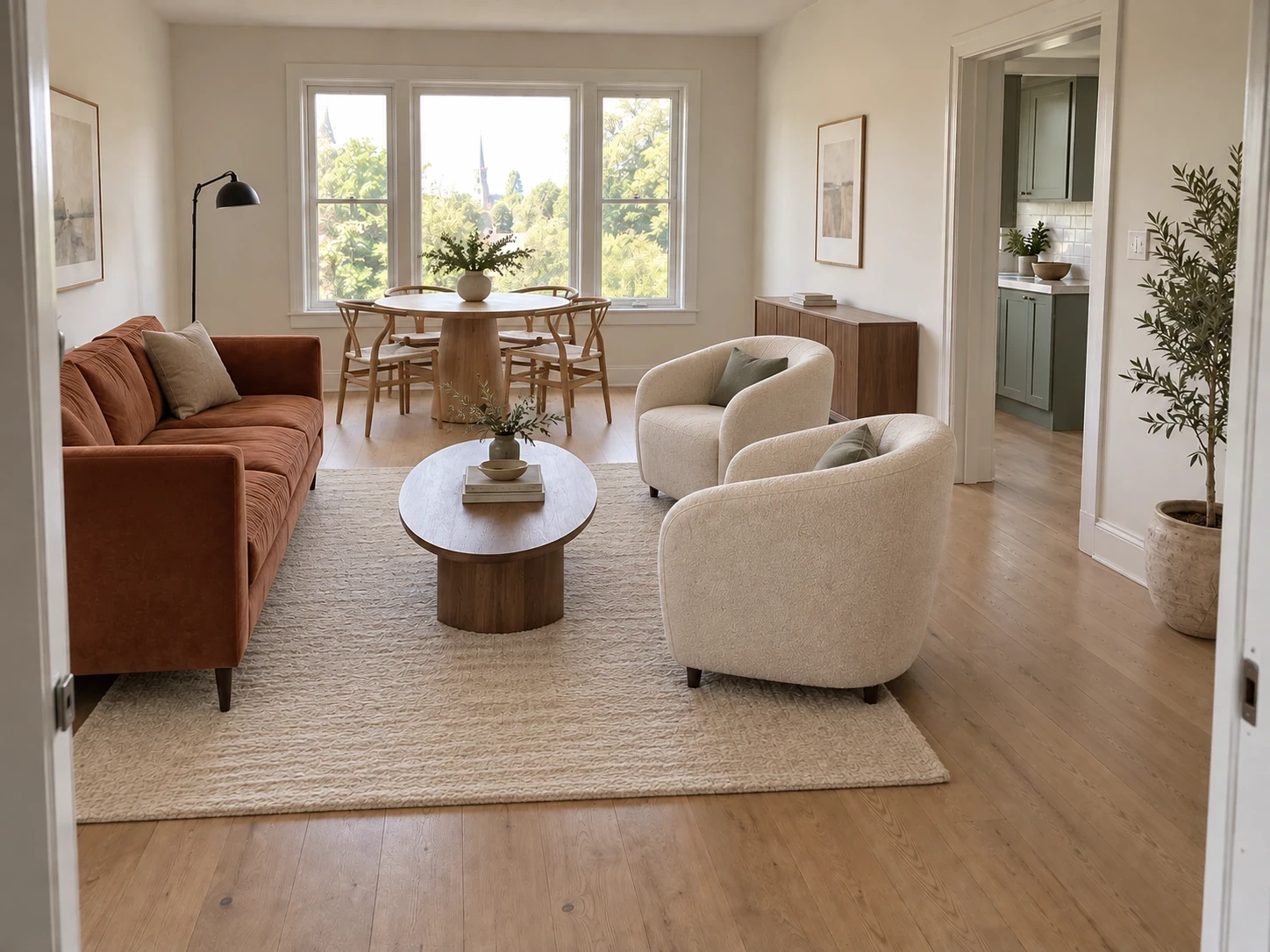
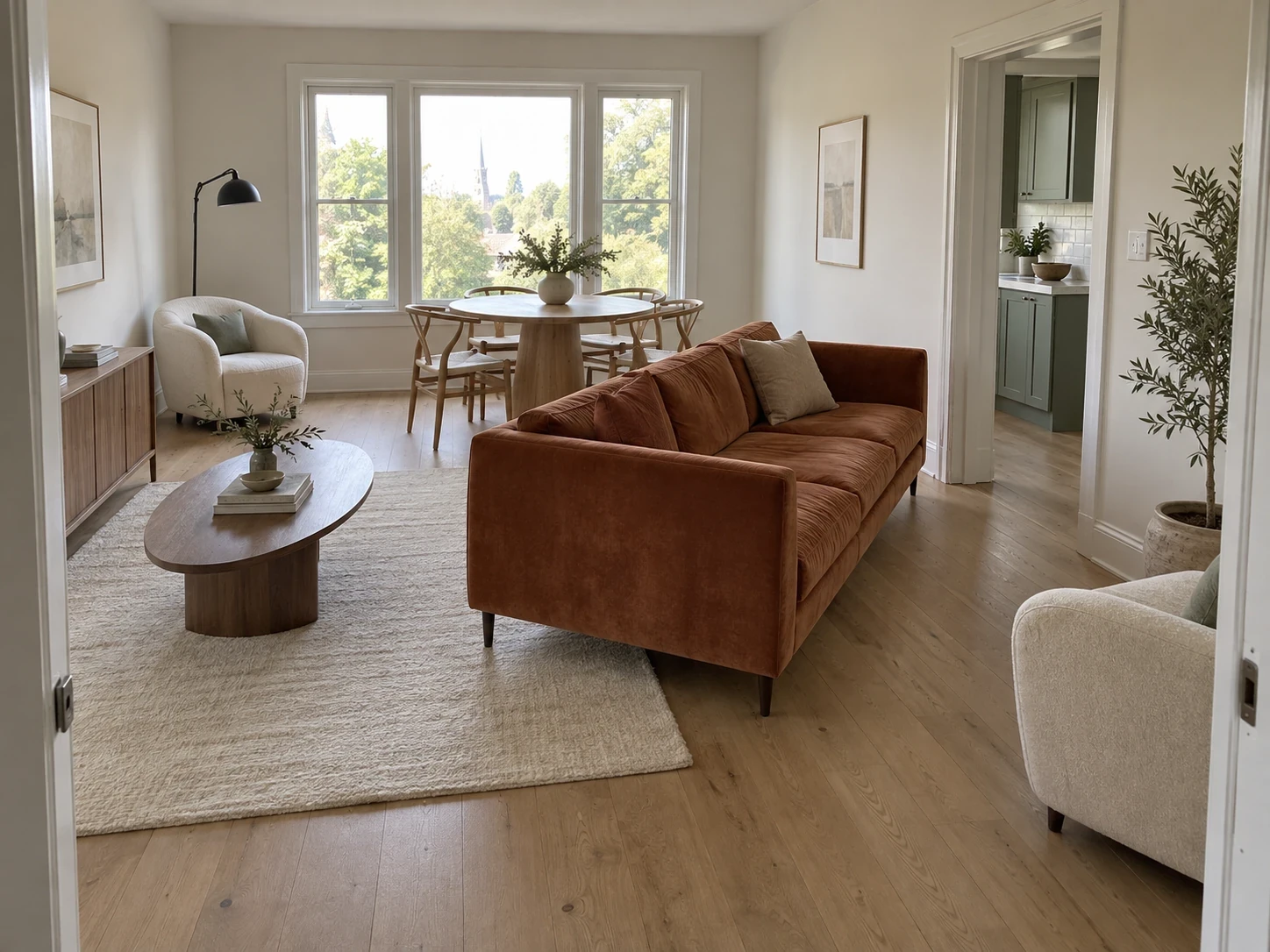
Before moving a heavy sofa, explore another arrangement. Rearrange focuses on furniture you already own so you can compare layouts rather than start a shopping list.
When to use Rearrange
- Explore a conversation area instead of a TV-first arrangement.
- Try a different bed position or seating orientation.
- Identify an arrangement worth checking with a tape measure.
How it works
- Photograph enough of the room to show its main pieces.
- Choose Rearrange and describe the layout goal and any pieces that should stay.
- Inspect the result, check circulation and then test the arrangement in the room.
What to check before making changes
A photo does not reveal all dimensions, sockets or concealed obstacles. The render can alter item details. Check door swings, radiators and walking routes manually.
Availability and subscriptions
Download Homeful free on iPhone with iOS 16.4 or later. A new account can create one locked personalized preview; a subscription unlocks the full result. Eligible subscribers can try Weekly free for 3 days, with up to 5 additional designs during the trial.
This feature is available with Weekly, Monthly and Yearly. Paid allowances are 15 designs per week on Weekly, 50 per month on Monthly, and 60 per month on Yearly. Each new result or refinement uses a design. Android is coming soon.
Questions about Rearrange
Does Rearrange buy new furniture?
No. It explores a layout with your existing pieces. Use Swap to visualize new furniture.
Is the output a measured floor plan?
No. Treat it as a layout idea and verify clearances in the real space.