
Surfaces · Homeful for iPhone
Visualize wall colors and flooring together
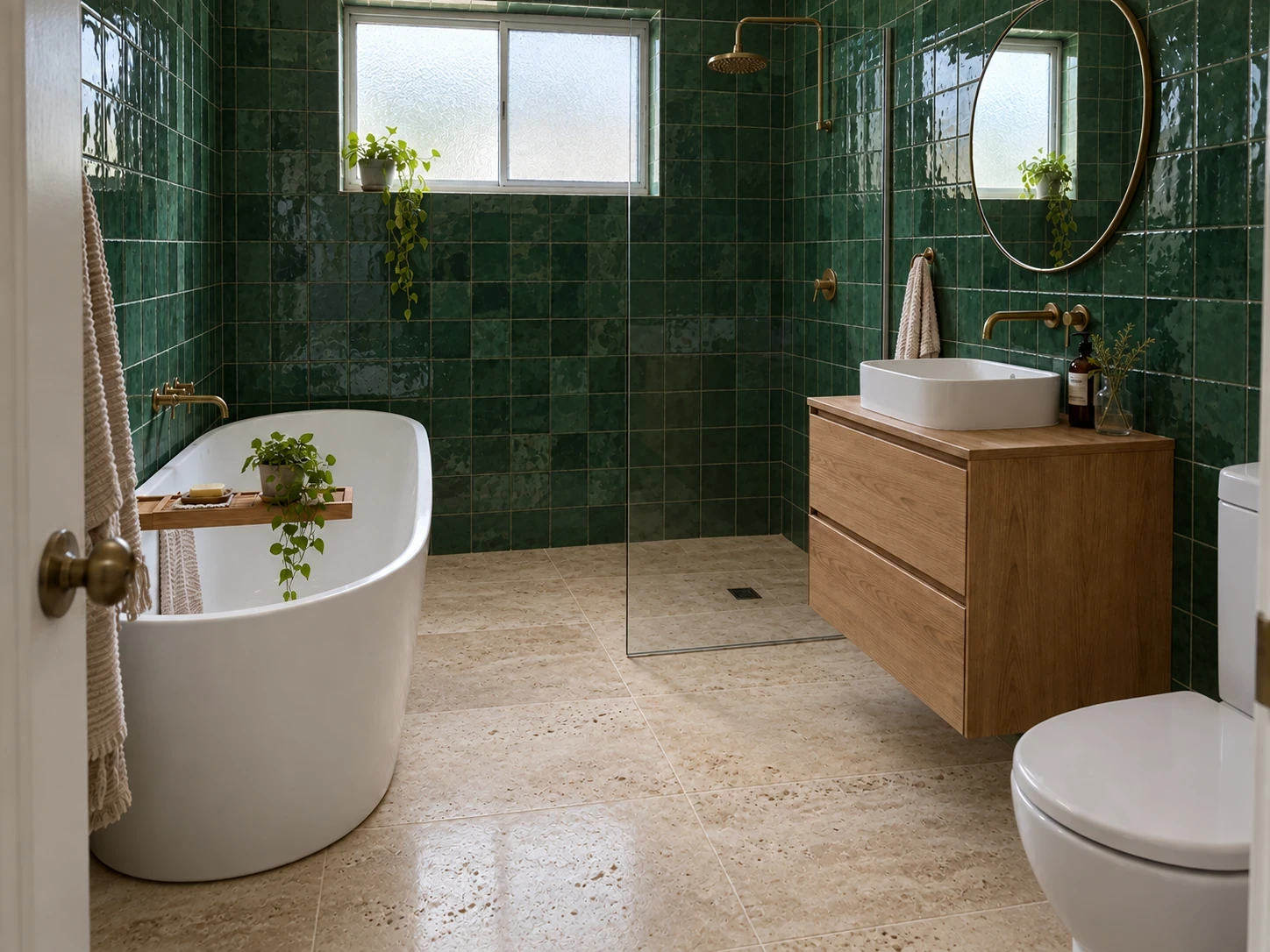
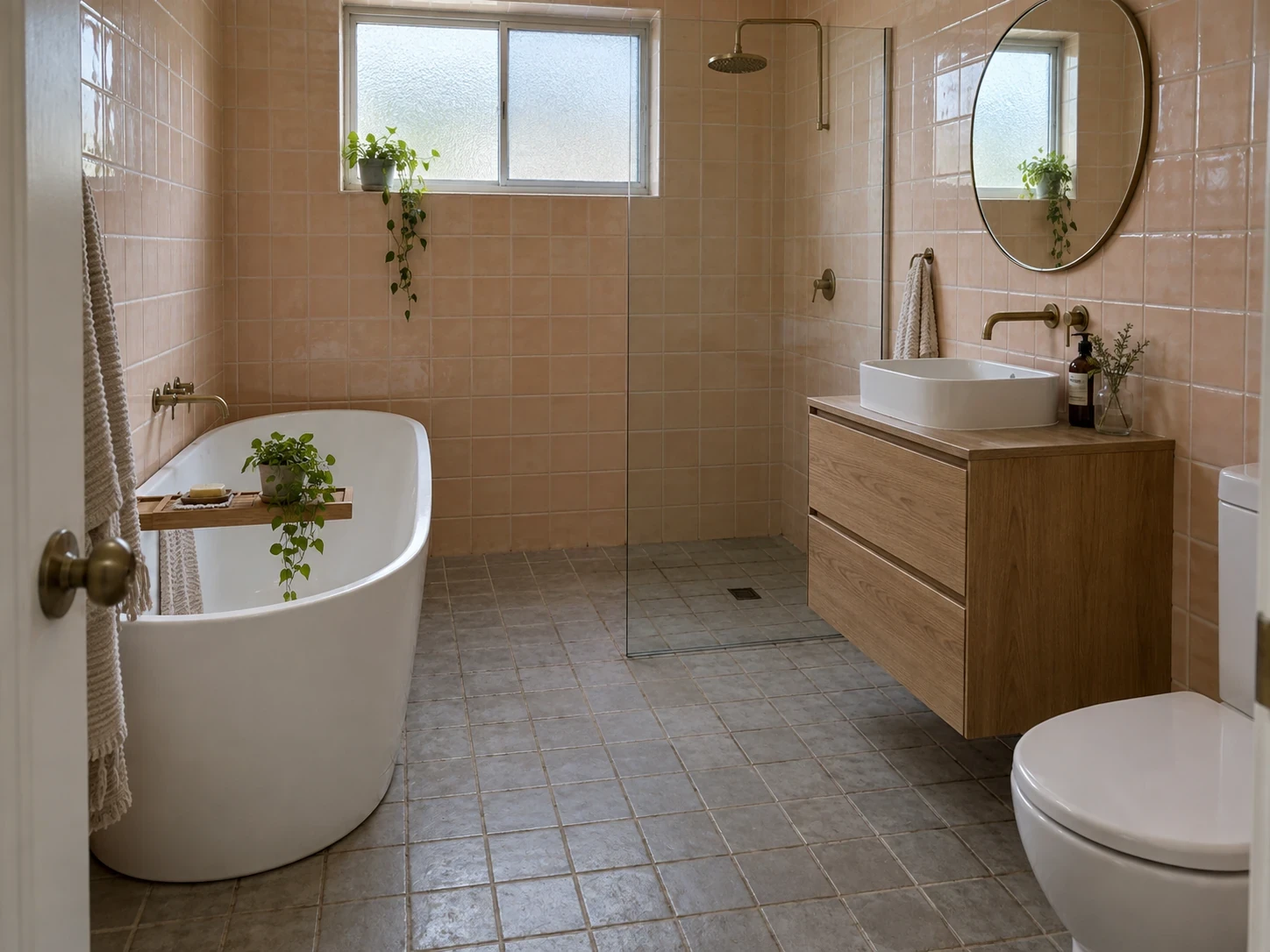
A paint color changes beside a warm floor or a cool tile. Surfaces lets you explore finishes in the context of your own room while aiming to keep the furniture in place.
When to use Surfaces
- Compare a warm wall palette with a neutral floor.
- Explore tile, trim and door finishes alongside the main surfaces.
- Upload a material reference to communicate a texture or finish.
How it works
- Photograph the room in representative daylight.
- Choose Surfaces, select the elements and finishes, or upload a reference.
- Compare the output and order real samples for your shortlist.
What to check before making changes
Screens, lighting and the rendering process all affect color. A visualization cannot reproduce a manufacturer’s paint shade or a material’s texture exactly. Test physical samples in the room.
Availability and subscriptions
Download Homeful free on iPhone with iOS 16.4 or later. A new account can create one locked personalized preview; a subscription unlocks the full result. Eligible subscribers can try Weekly free for 3 days, with up to 5 additional designs during the trial.
This feature is available with Weekly, Monthly and Yearly. Paid allowances are 15 designs per week on Weekly, 50 per month on Monthly, and 60 per month on Yearly. Each new result or refinement uses a design. Android is coming soon.
Questions about Surfaces
Can I upload a sample?
Yes. Use a photo of your material as a reference for the finish.
Will a rendered color match the paint tin?
Not exactly. Use it to narrow a direction, then check a real sample in daytime and evening light.