
AI interior design
for your real room
Take a photo of your own room, choose what to change, and compare a before-and-after visualization in Homeful for iPhone. See it before you buy it.
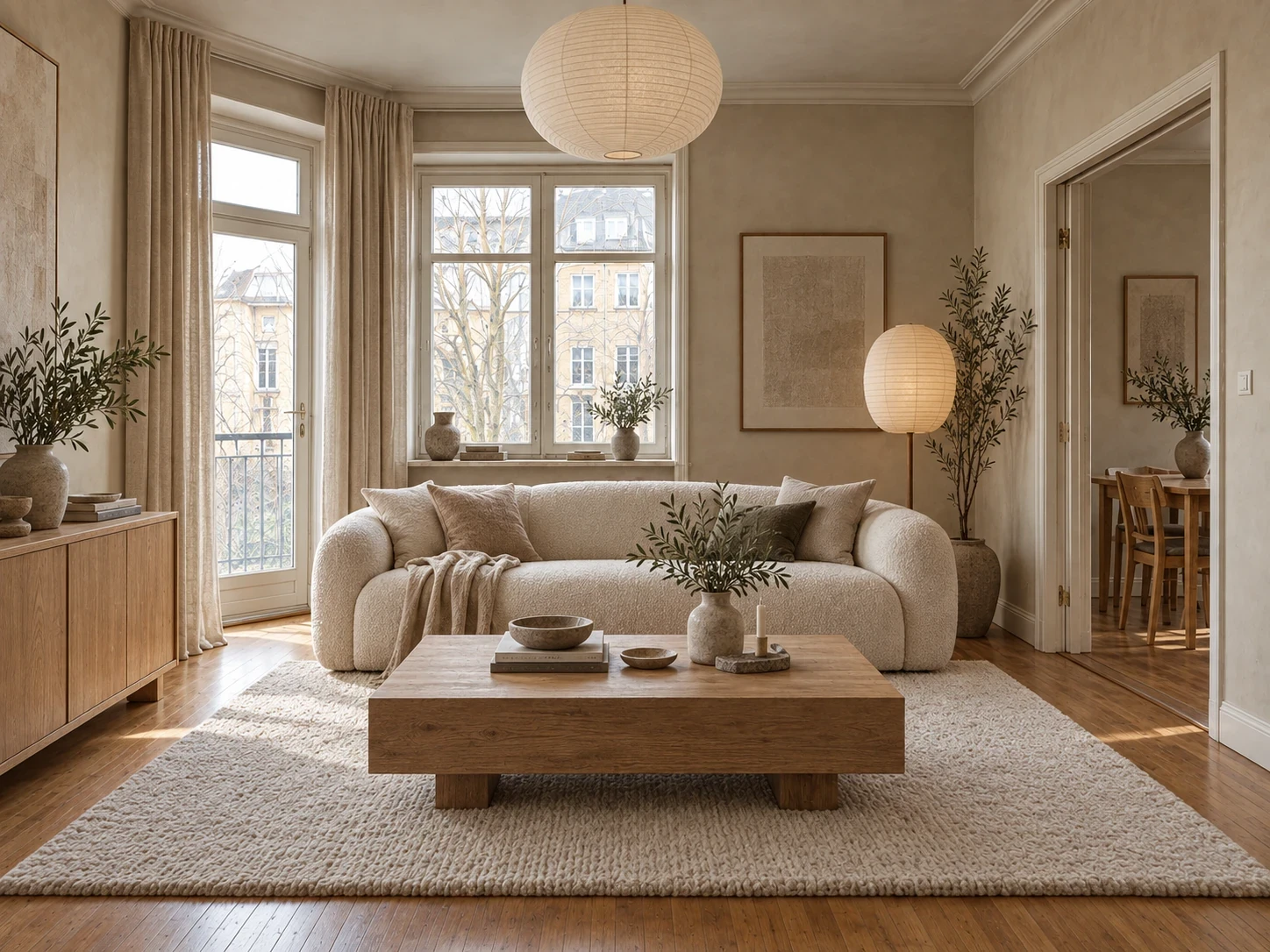
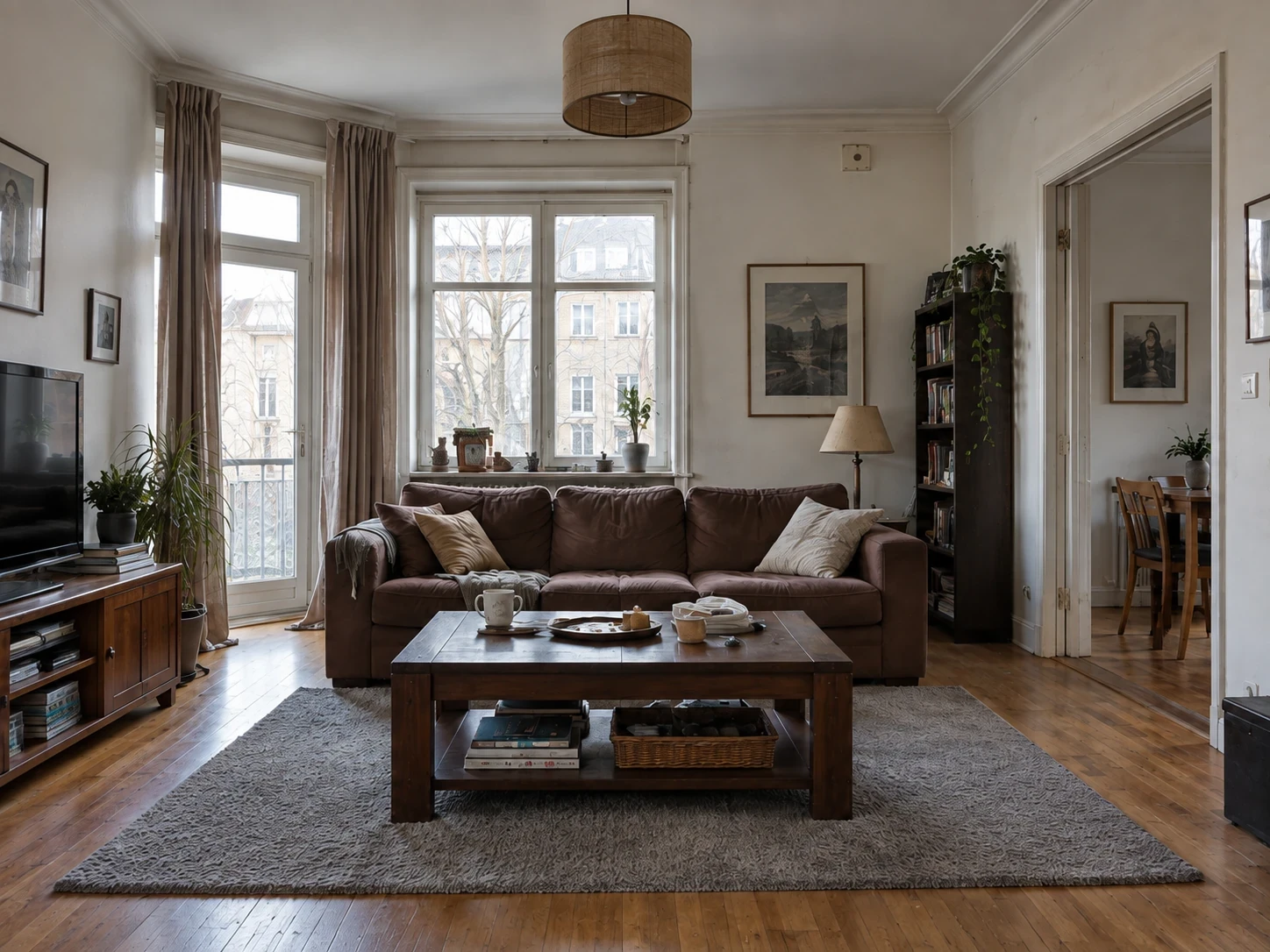
One app for every kind of makeover
From a single new sofa to your whole facade: pick a mode, add a photo, and watch it happen.

Styles
Keep your real room as the starting point. Choose a style such as Japandi, Scandinavian or Boho, or use inspiration photos to explore a new look before choosing furniture and finishes.

Swap
A product photo alone cannot tell you how a sofa will look beside your curtains or floor. Swap lets you explore a replacement or addition in a photo of your own space.
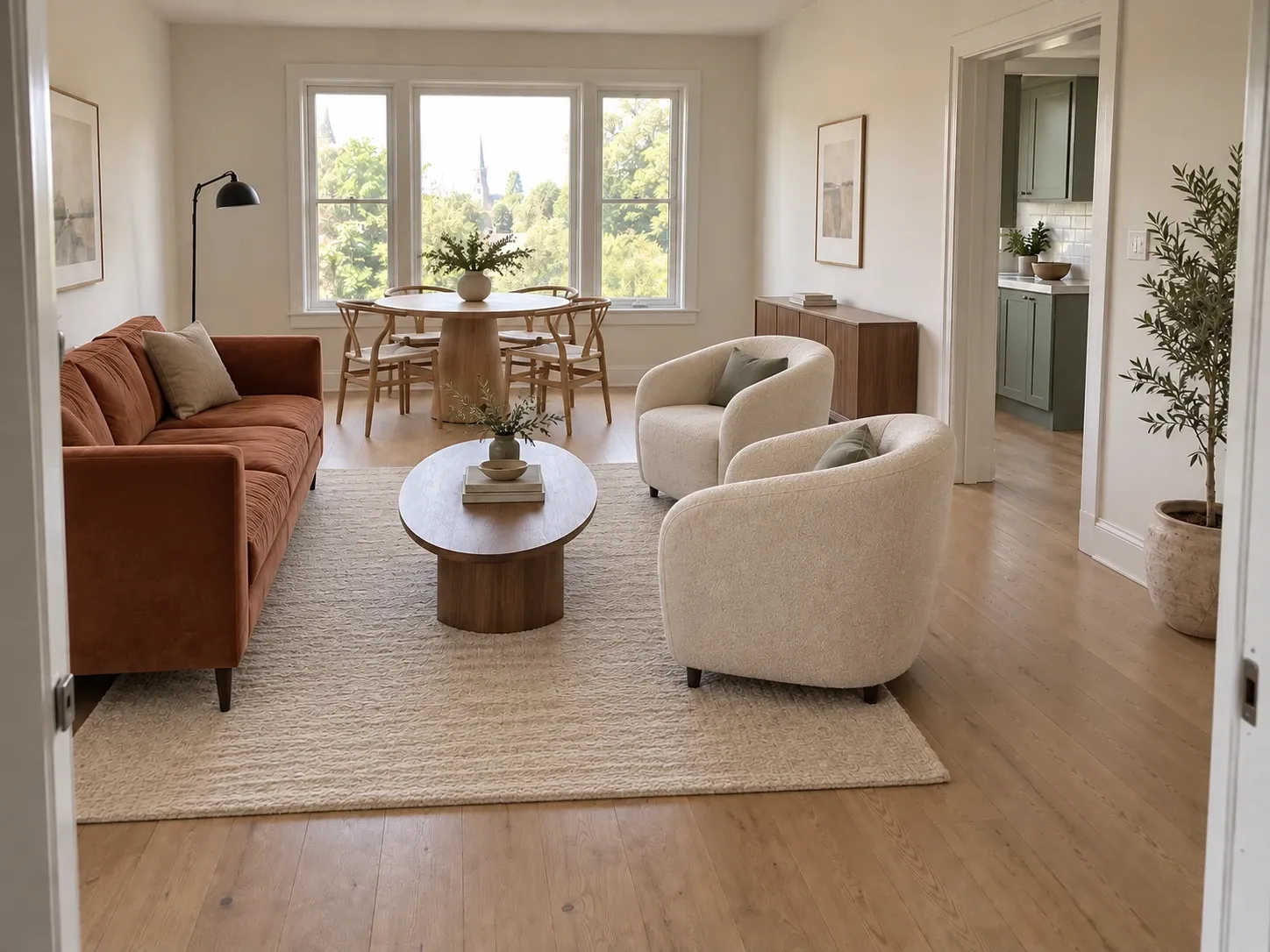
Rearrange
Before moving a heavy sofa, explore another arrangement. Rearrange focuses on furniture you already own so you can compare layouts rather than start a shopping list.
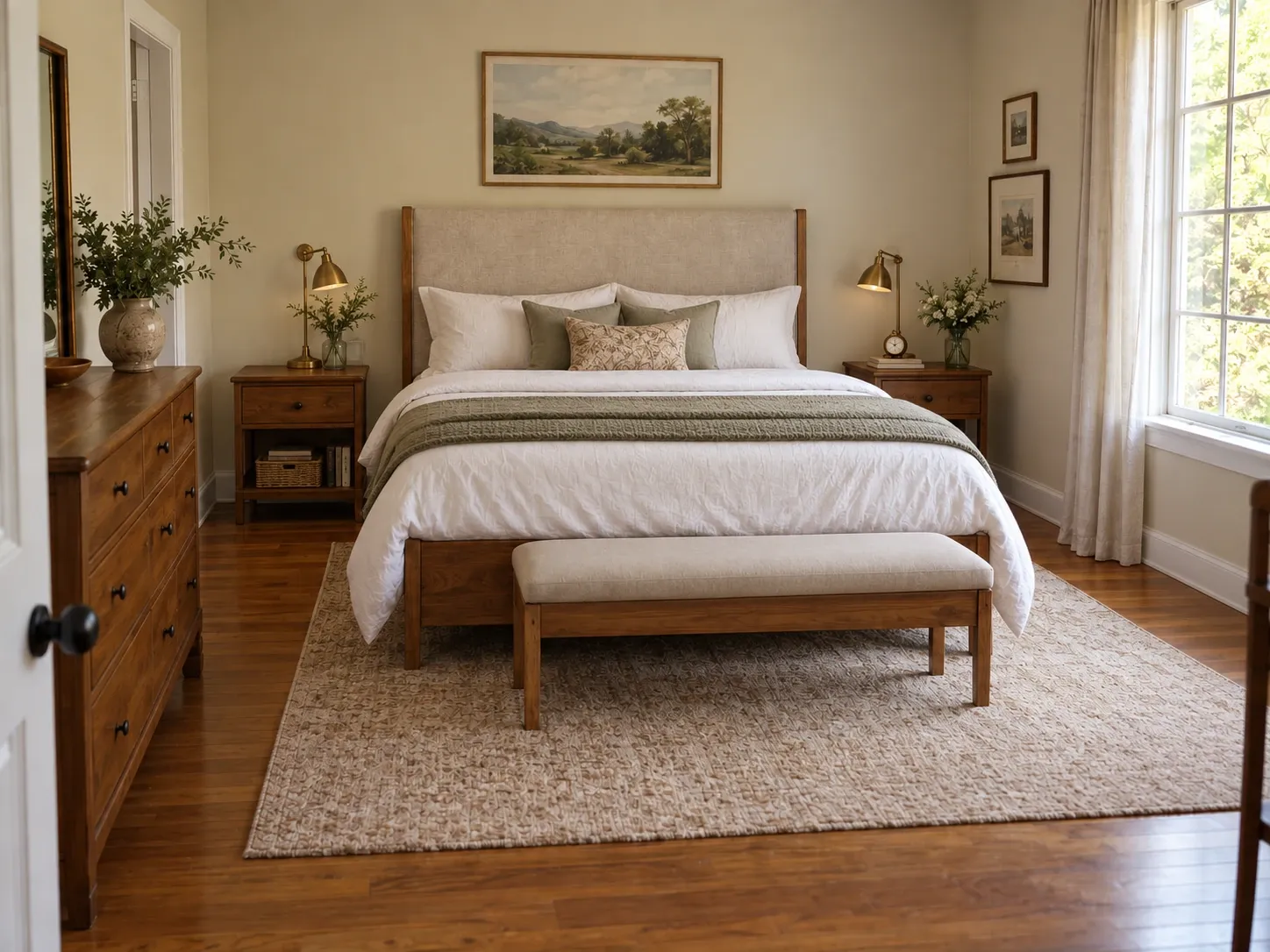
Declutter
See the room beneath the clutter. Declutter offers tidy, declutter and empty-room options, giving you a cleaner starting point before exploring a furnished look with Styles.
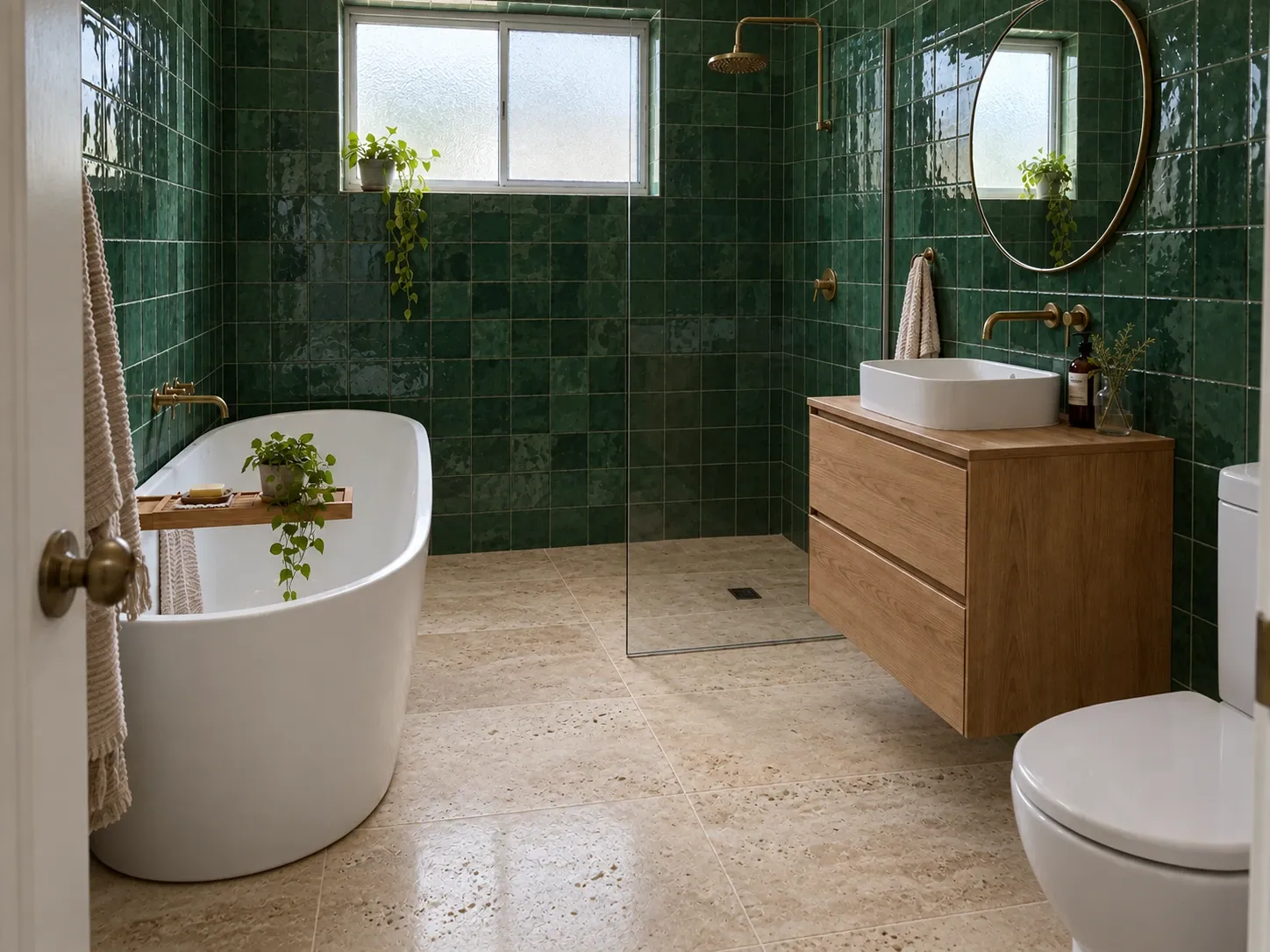
Surfaces
A paint color changes beside a warm floor or a cool tile. Surfaces lets you explore finishes in the context of your own room while aiming to keep the furniture in place.

Exterior
Use a photo of your house to compare a different facade, roof, windows or garden. Explore additions such as a terrace or pergola as visual ideas before discussing feasibility.
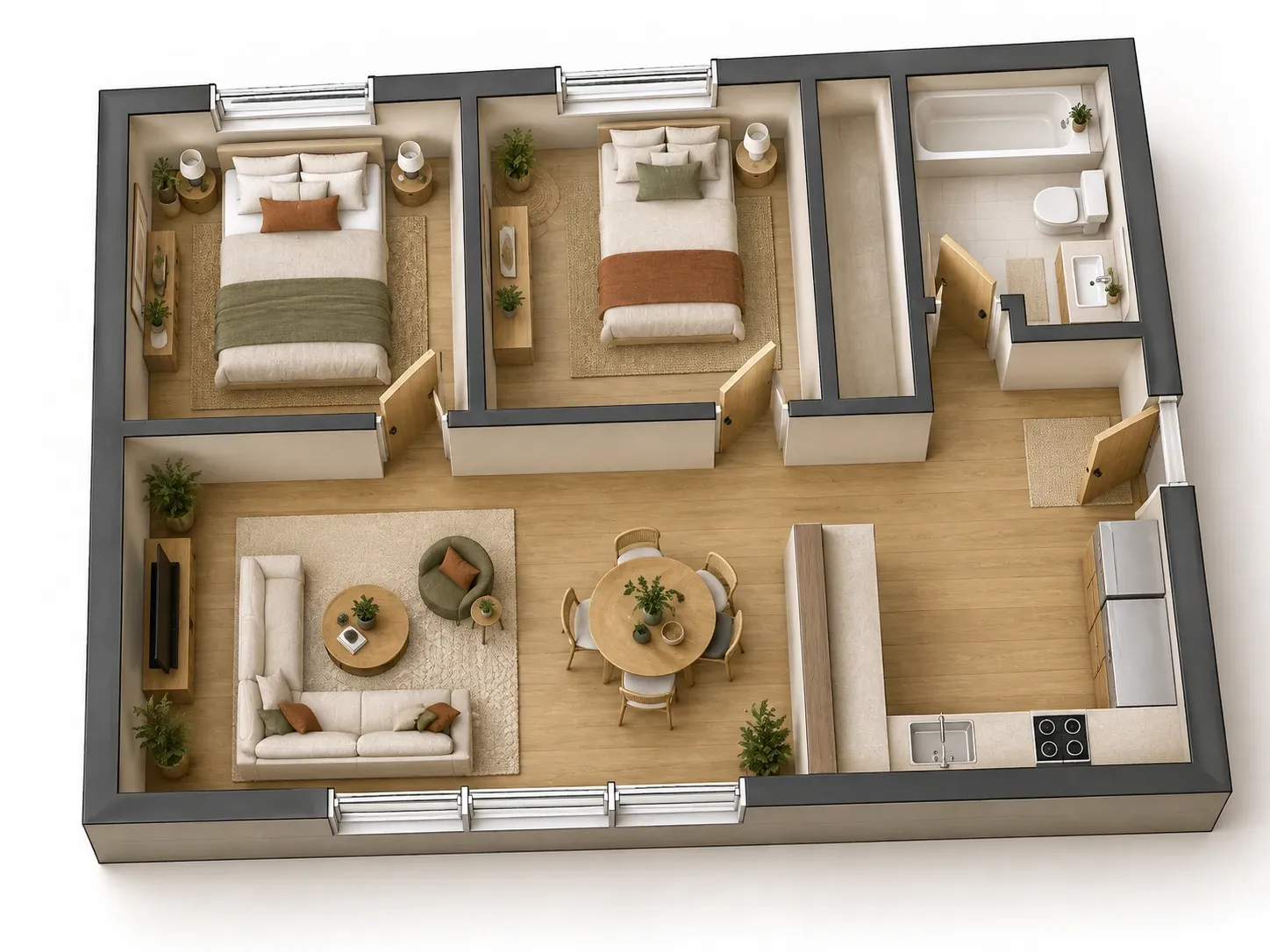
Floor Plan
Explore an unfurnished plan in a more tangible way. Floor Plan offers individual room visualizations or a single angled 3D cutaway of the whole home.
Three taps to a new room
Snap your room
Take a clear room photo or choose one from your gallery. Include the area you want to change.
Pick a mode
Choose a style, swap an item, or describe the change in your own words.
Preview your result
See a personalized preview of your transformed room, then unlock the full result if you love it.
Compare a room visualization before & after.
Slide to compare a bedroom tidying concept. Actual results vary. Keep, refine with one line of text, or create another design inside the app. Each new result uses a design from your allowance.
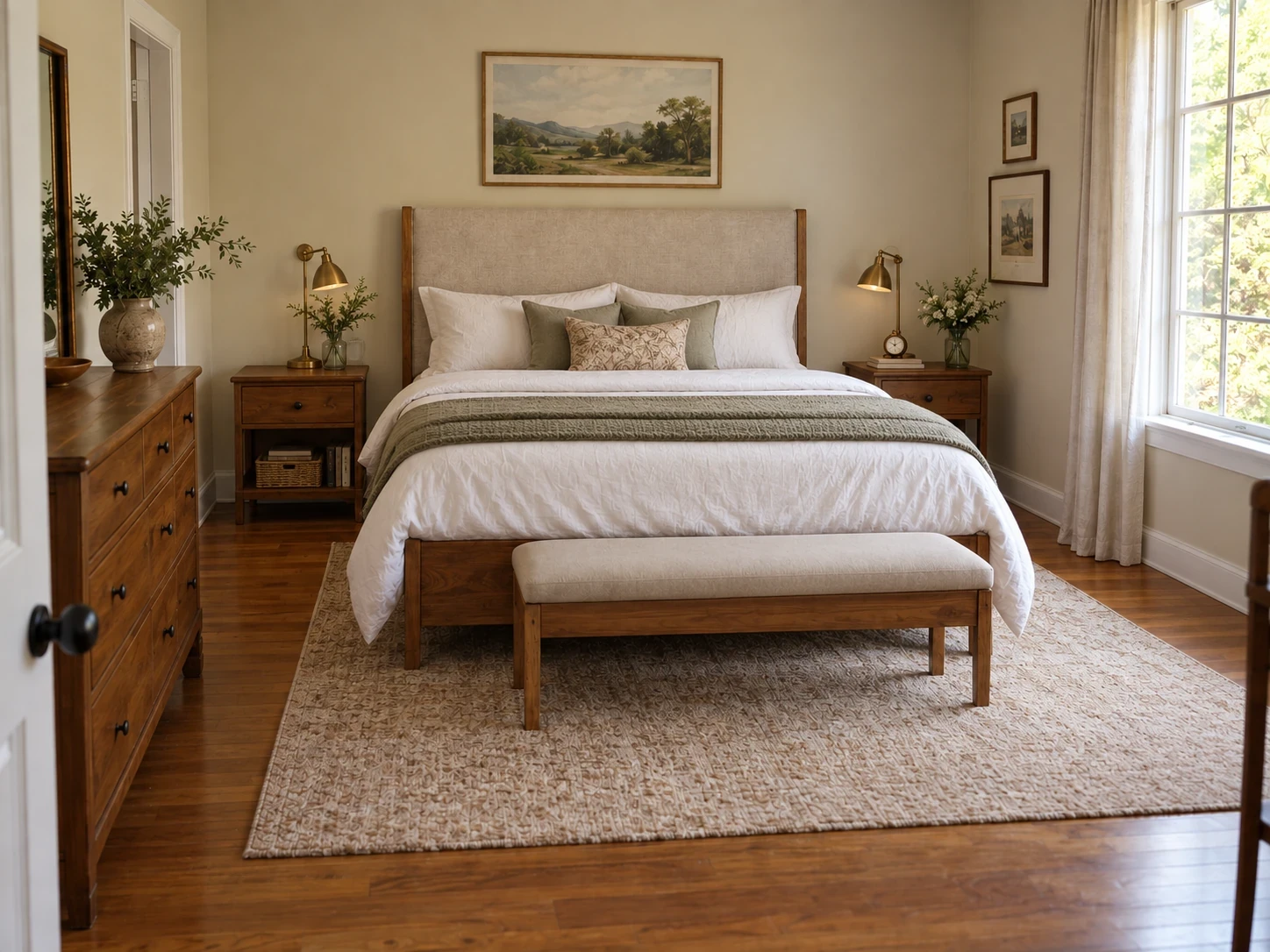
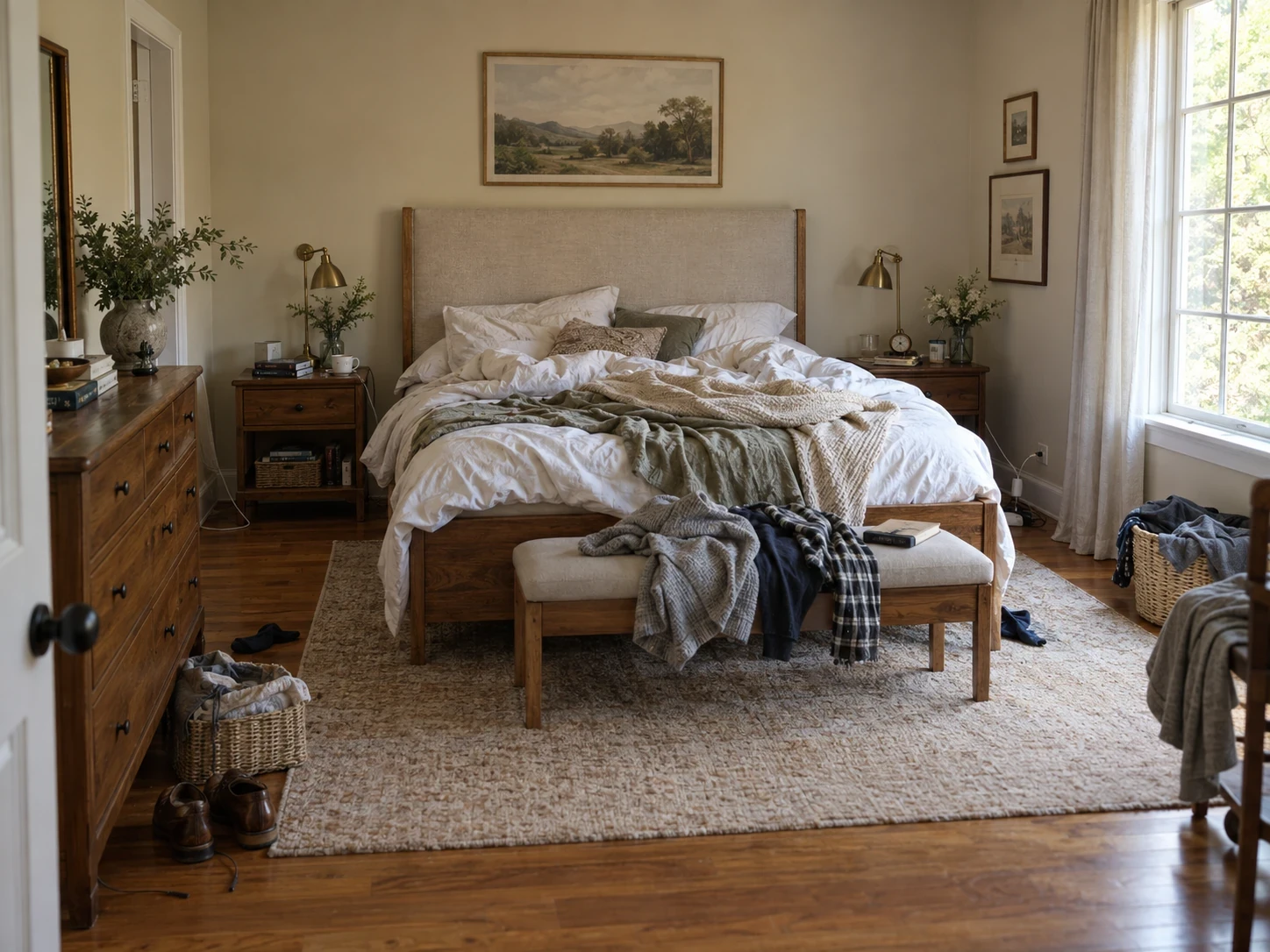
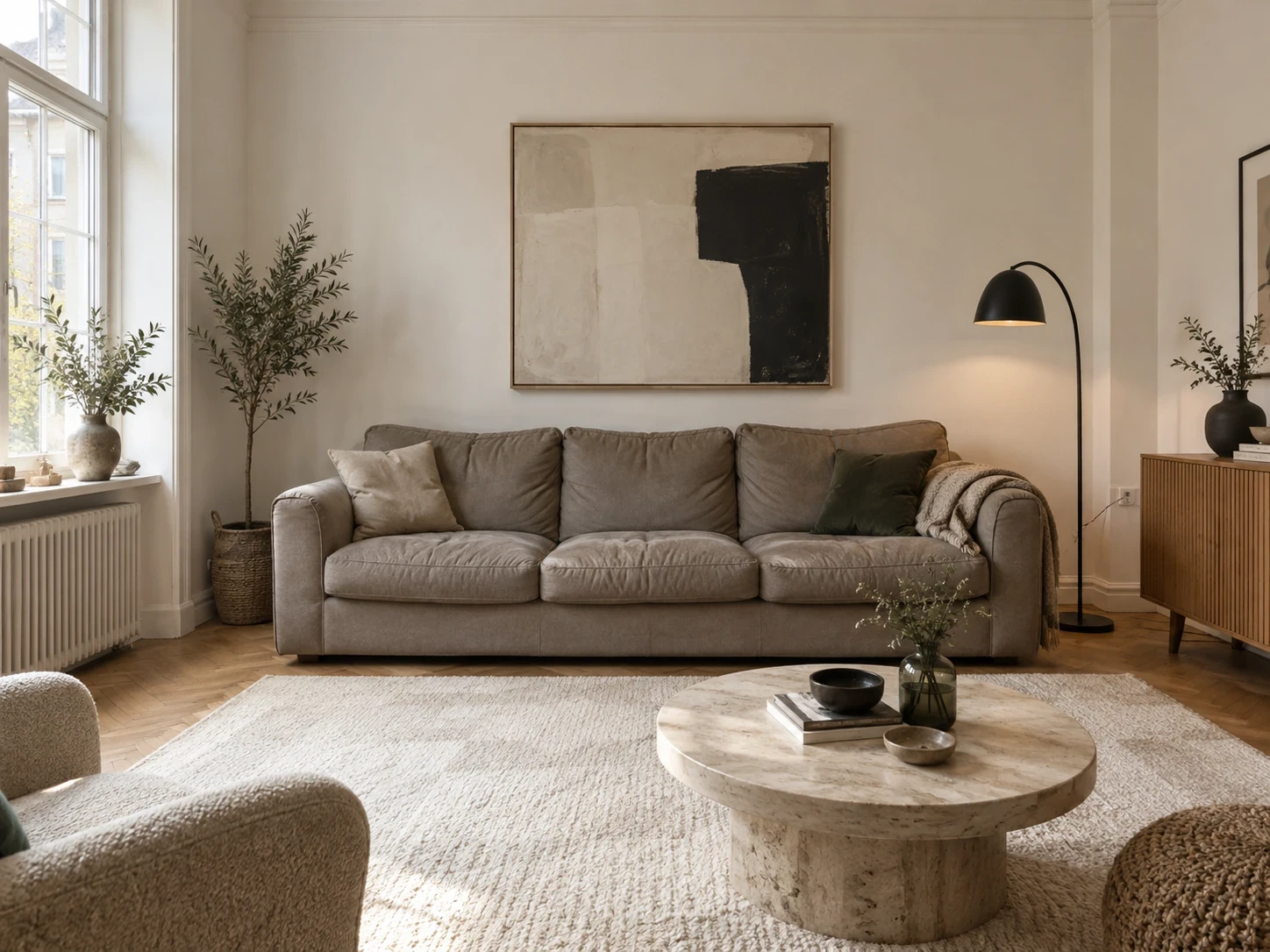
See the difference one sofa makes
Explore a bold furniture change in the same room. An illustrative design concept; check measurements before buying.

Plan your next room change
Practical guides for comparing ideas before buying.
-
Find your wall & floor palette
Compare colors and finishes that work beautifully together.
Read guide -
Reimagine your room
Start with your own photo and explore a fresh direction.
Read guide -
Find the right sofa
See how a new sofa could look before you buy.
Read guide -
Create a calmer Japandi living room
Explore warm wood, soft textures and a quieter palette.
Read guide
Questions, answered
Is Homeful free to use? +
Every new account can create one personalized preview with no card required. Unlock the full result with a subscription. Eligible new subscribers can start a 3-day weekly free trial with up to 5 additional designs, then renews automatically unless canceled.
How realistic are the results? +
Homeful creates visualizations from your photo, aiming to preserve the room geometry, lighting and perspective. Details and proportions can differ. Check measurements and real samples before buying.
What can I change? +
Individual furniture, whole styles, wall and floor surfaces, and even your home's exterior. You can also rearrange existing furniture or declutter a room. Floor Plan is available with Monthly and Yearly.
Do you keep my photos? +
Your photos are processed securely and are never sold or shared. You can delete any creation, and its source photo, from the app at any time.
Which devices are supported? +
Homeful is available on iPhone with iOS 16.4 or later. Android is coming soon.
Your next room is
one photo away.
Download Homeful and create one personalized preview using your own room. Unlock the full result only if you love what you see.
Get in touch
Press, partnerships, or a question about your account — we usually reply within a day.
Thanks — message sent!
We'll be in touch at the email you provided.